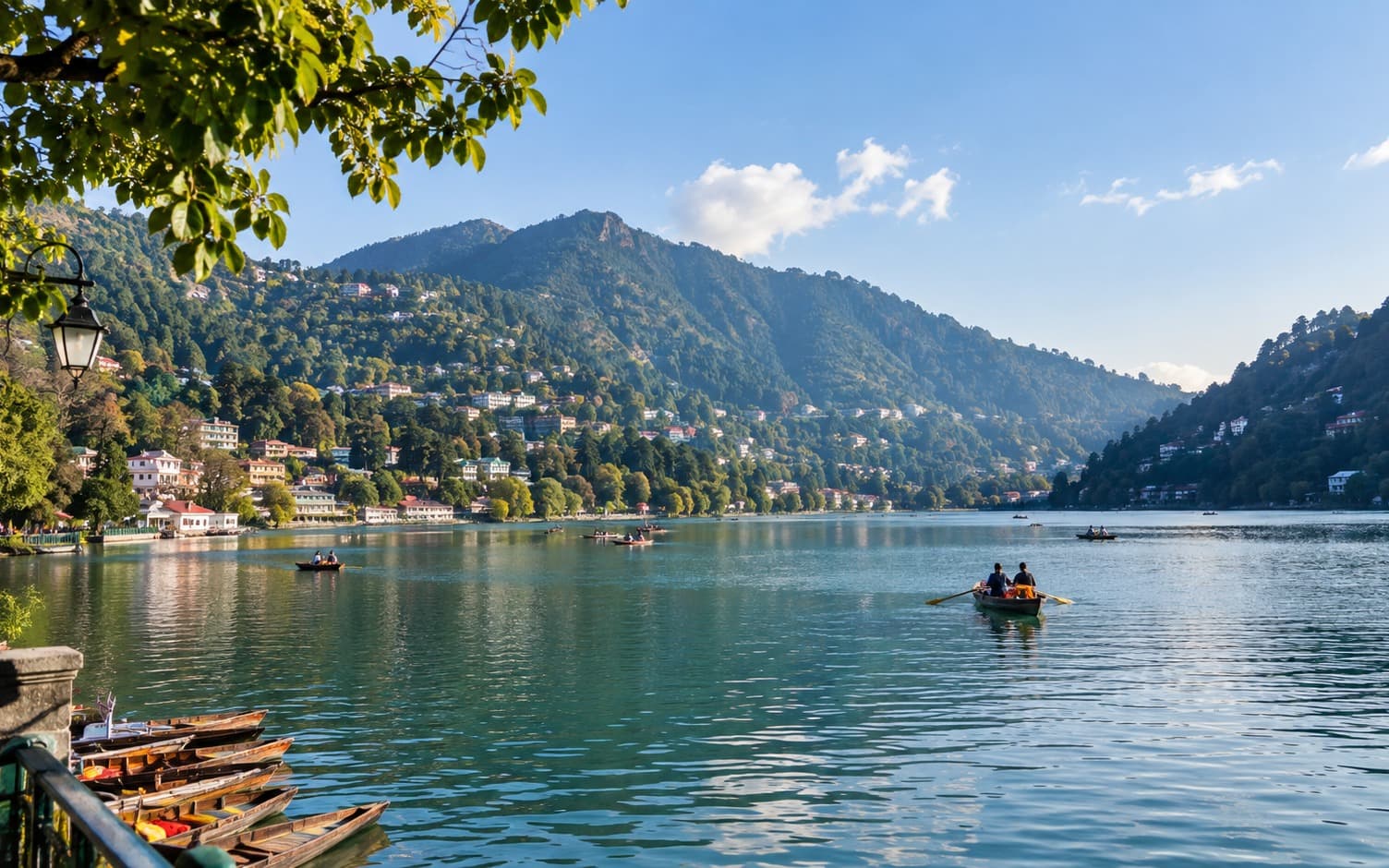
Nainital, Uttrakhand
❤️ Nainital, Together as a Family
A much-needed family break in the hills. We drove up to Nainital for a relaxed weekend of lake views, boating, good food and…
- ₹28,500
- Family
- Car
Your trips, one page
Write down where you went, what it cost, how you travelled and who came with you. Share the page when you want to.
Your travel log gets its own link. Pick a name.
Travel PlannerBeta
Create a shared trip workspace — chat, AI itinerary, stays, travel, activities, budgets, and expenses — then convert the whole thing into a Jyurniq Journey when you get home.
Trip preview
Invite your crew: Share a link. Friends join, vote, and plan in one workspace.
Start planning GoaNo follower count, no algorithm. Just a record of where you have been. See the three ways to log a journey.
Choose a name and your page is www.jyurniq.in/you. That is the whole setup.
Where you went, when, what you spent, how you got there, who came with you. Photos if you have them.
Publish a post if you want people to read it. Or keep the entry as a private log just for you.
Three ways to log a journey
Location, photo, or write it yourself. Every option saves a journey you can edit anytime. Compare all three
Way 1 of 3
If you’re there, pin it. We’ll use your phone’s GPS to name the place and save a journey log. You can edit the details later.
Sign in first, then we open this logging path for you.
Why Jyurniq
Photos alone do not tell the whole story. Your page holds the rest, and you choose what is public.
Six months later you remember the view, not the bus fare or who tagged along. Write it down while you still can.
Tickets in screenshots, plans in WhatsApp, half a note in your phone. One page beats hunting through all of that.
Put www.jyurniq.in/you in your bio or send it to a friend. They see your trips, not a post that disappears overnight.
Share the trips you are proud of. Keep the rest on the same timeline, visible only to you.
81 public journeys from travellers logging with Jyurniq.
Nainital, Uttrakhand
A much-needed family break in the hills. We drove up to Nainital for a relaxed weekend of lake views, boating, good food and…
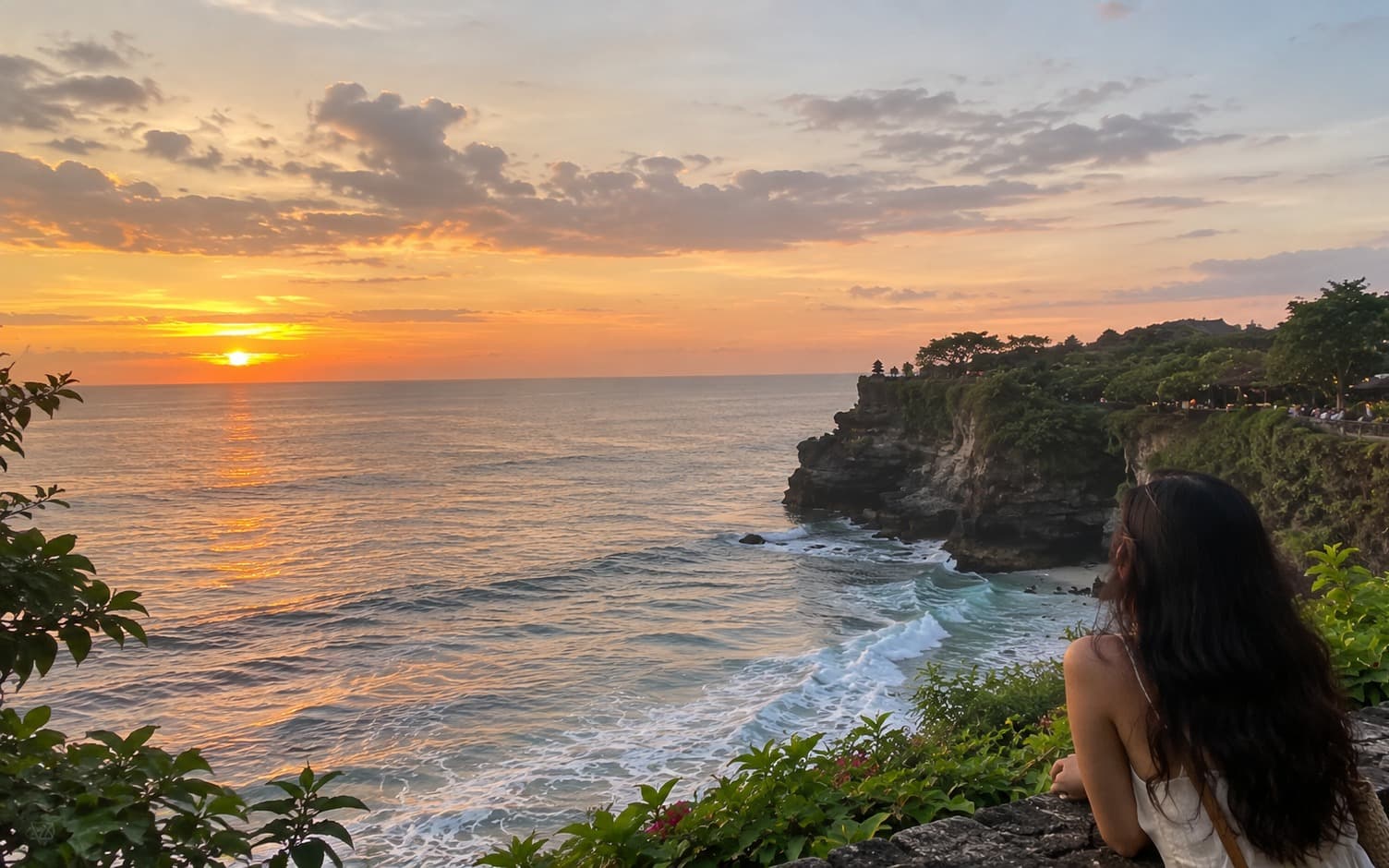
Bali, Indonesia
The plan was to keep things comfortable rather than squeezing every possible attraction into four days. We spent some time…
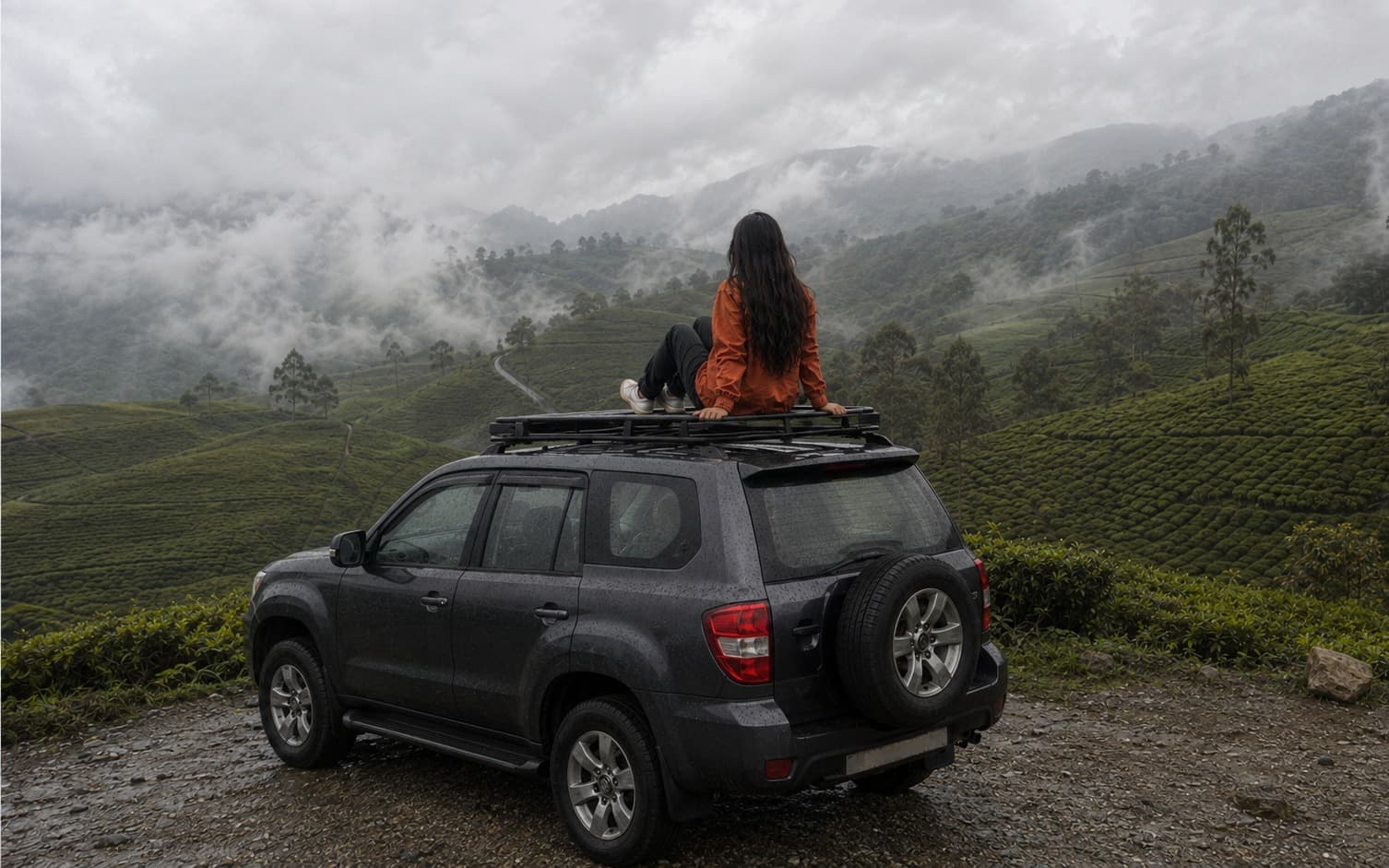
Munnar, Kerala
Munnar was honestly such a pretty little escape. The weather was cool, everything was ridiculously green, and half the time the…
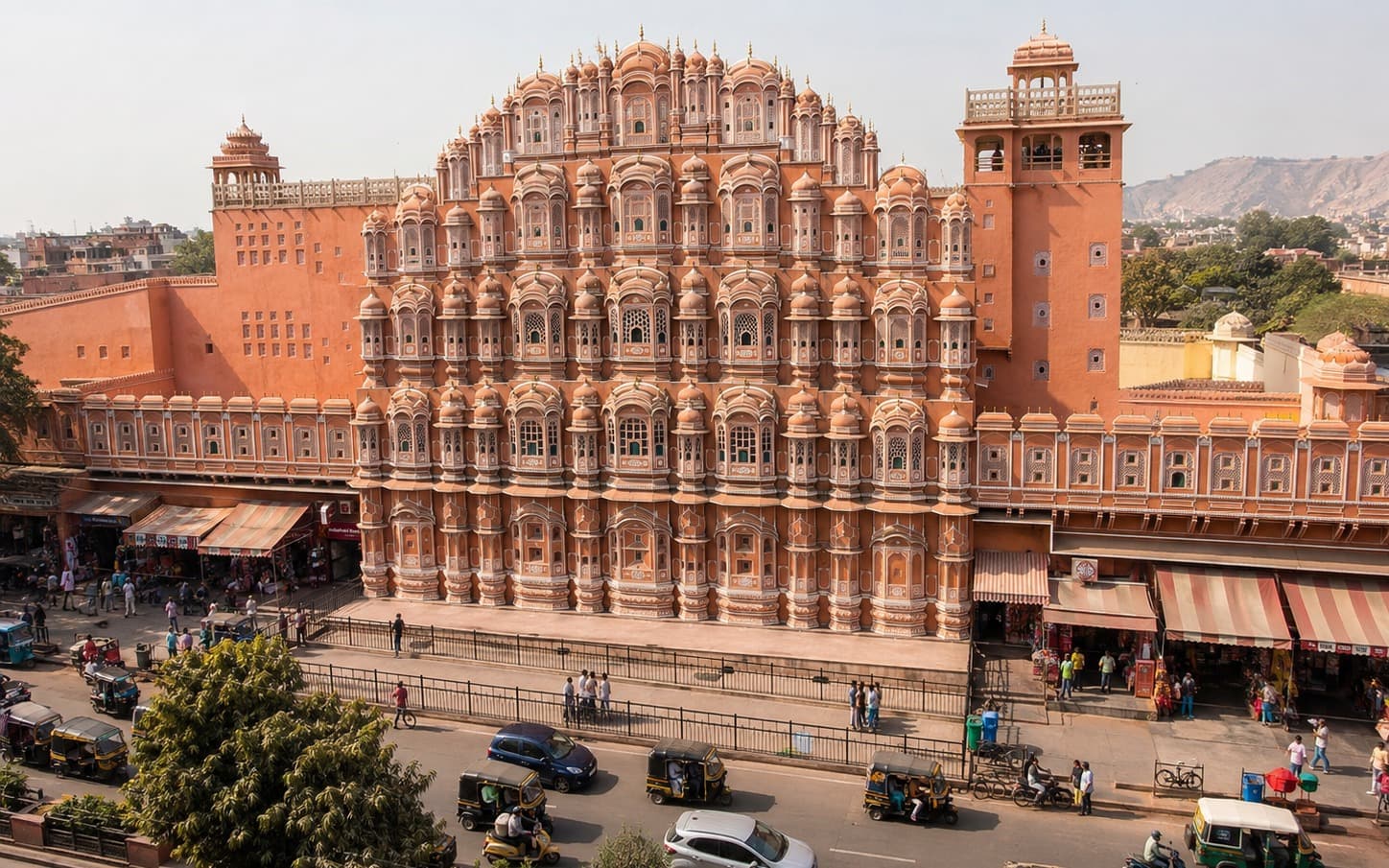
Jaipur, Rajasthan
Our family trip to Jaipur was a perfect blend of history, culture, delicious food, and quality time together. After weeks of…
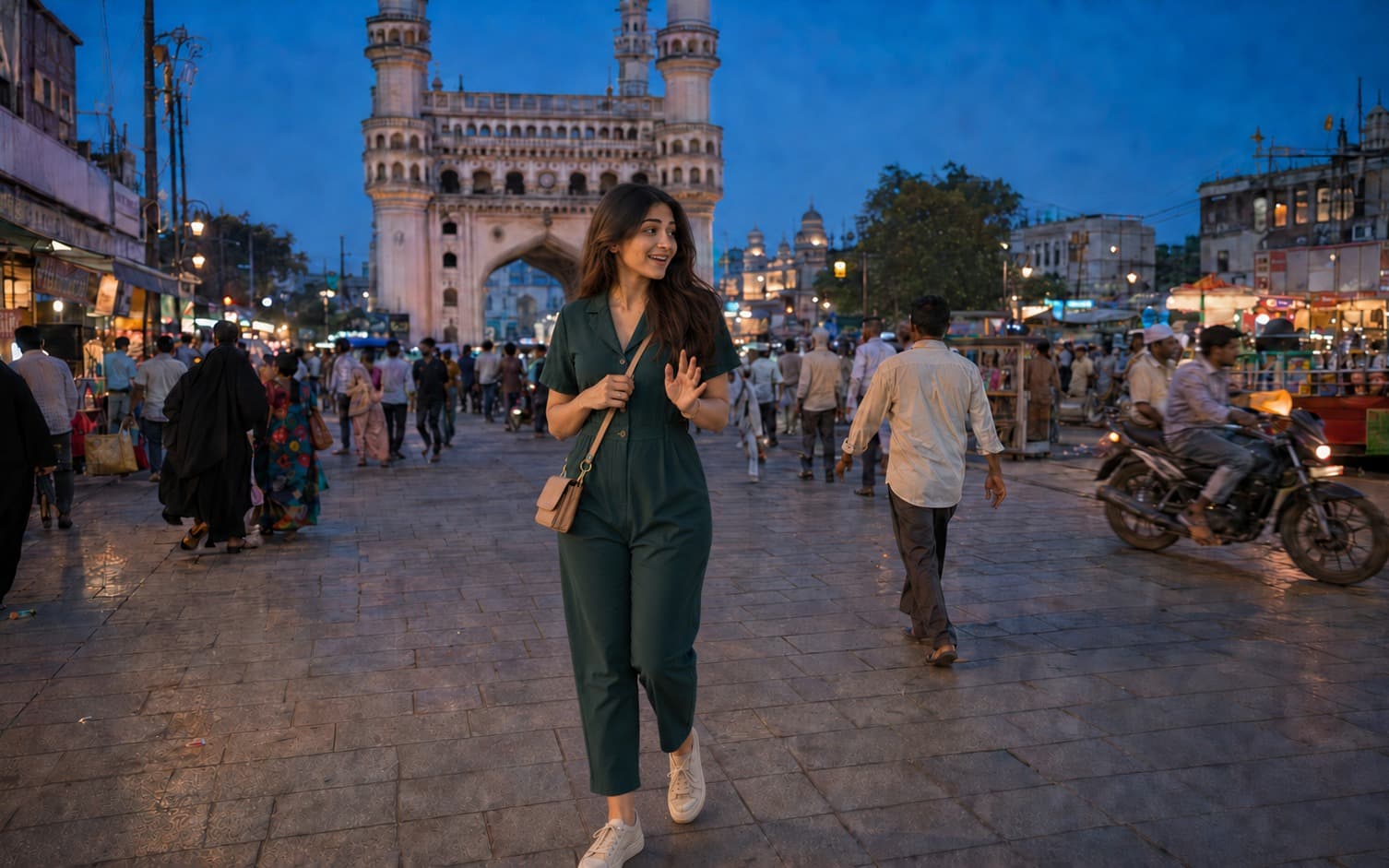
Hyderabad, Telangana
Technically, I went to Hyderabad for an office seminar. Technically. 😭 I travelled with Naina, Karan and Rishabh from work…
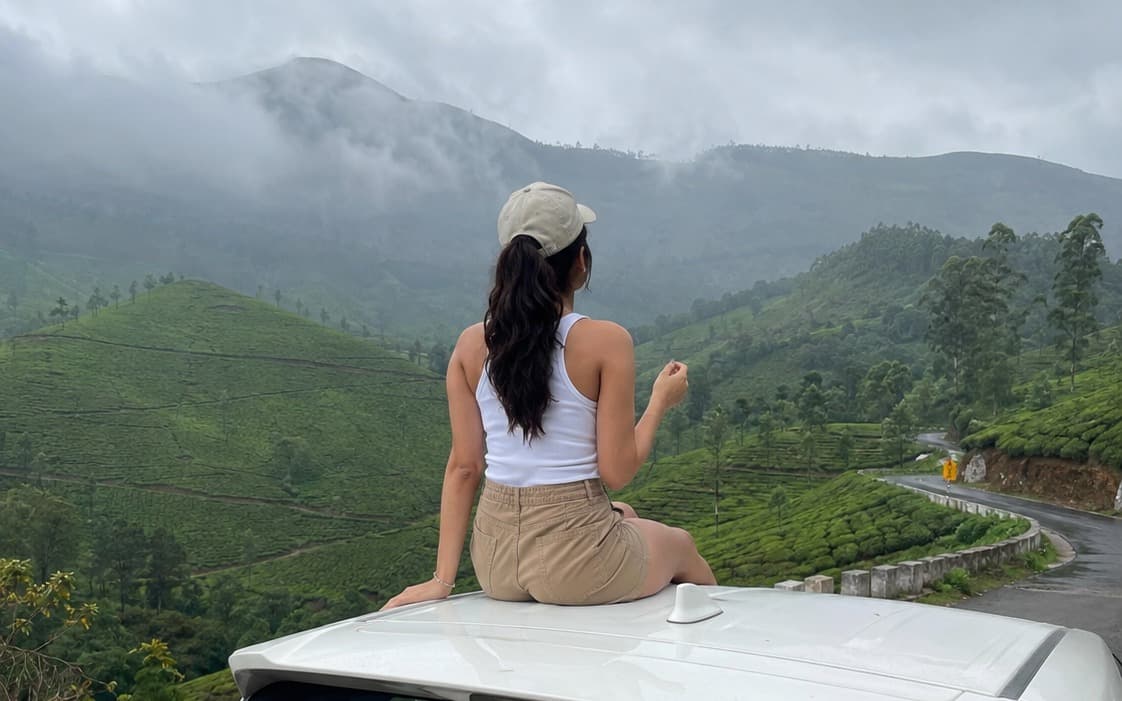
Kerala
This Kerala trip was honestly so much more than just a vacation. It wasn't just my family this time—my **mama, mami, and their…
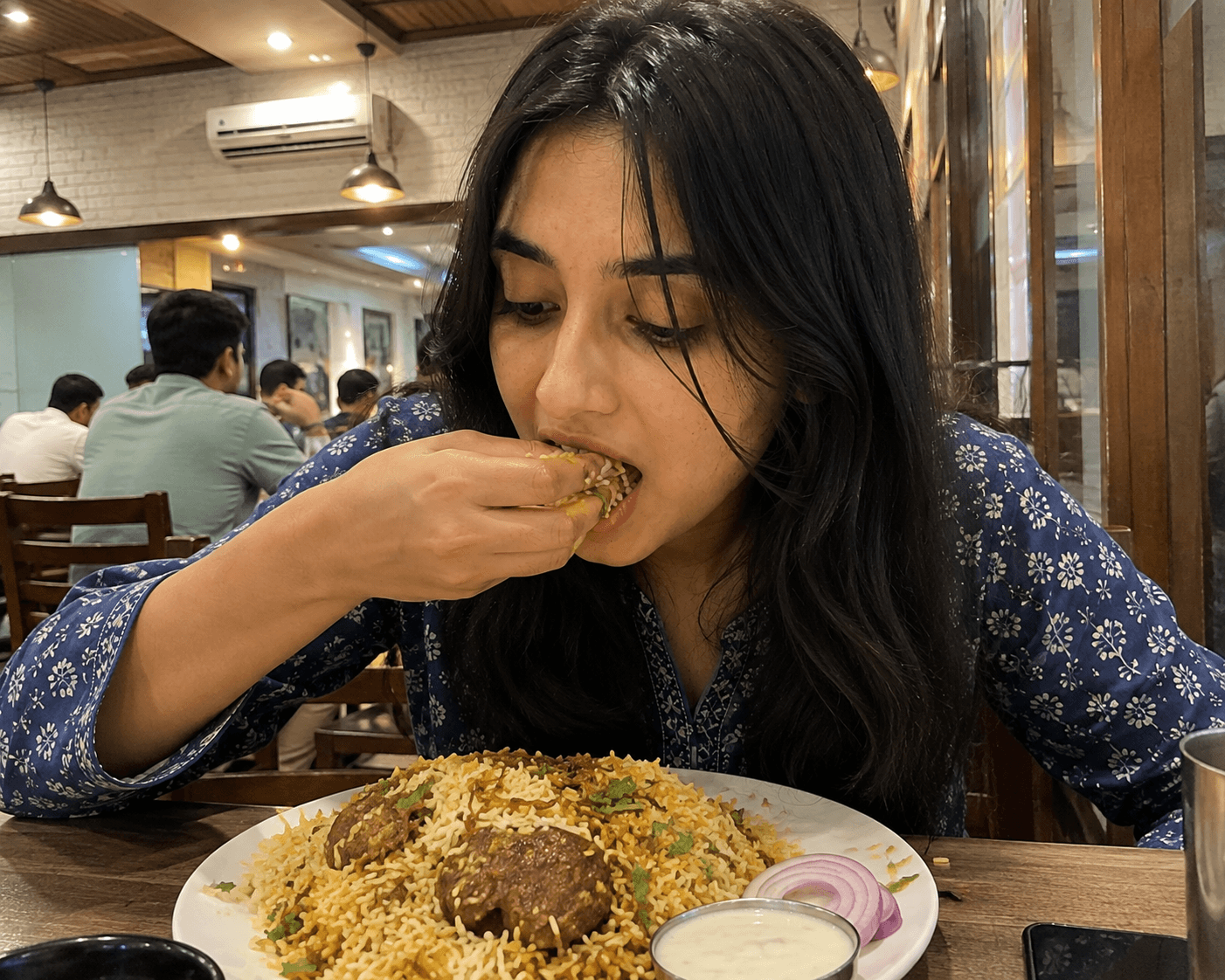
Hyderabad, Telangana
My time in Hyderabad was filled with history, incredible food, lively streets, and experiences that showed me how beautifully…
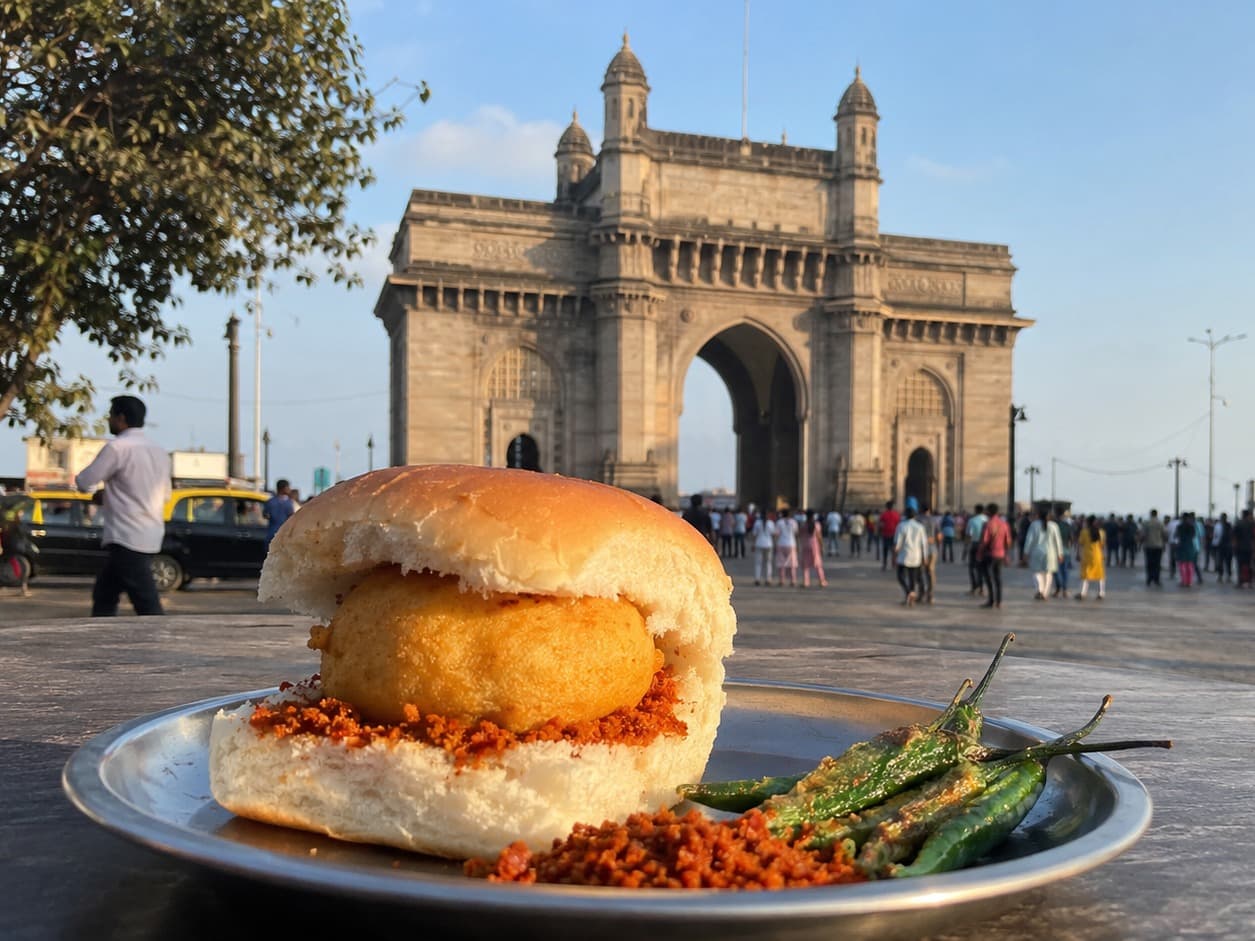 2 photos
Mumbai, Maharashtra
This Mumbai trip had exactly one reason behind it— Rhea's birthday. 🎂 I wasn't sitting at home thinking, "I really need a…
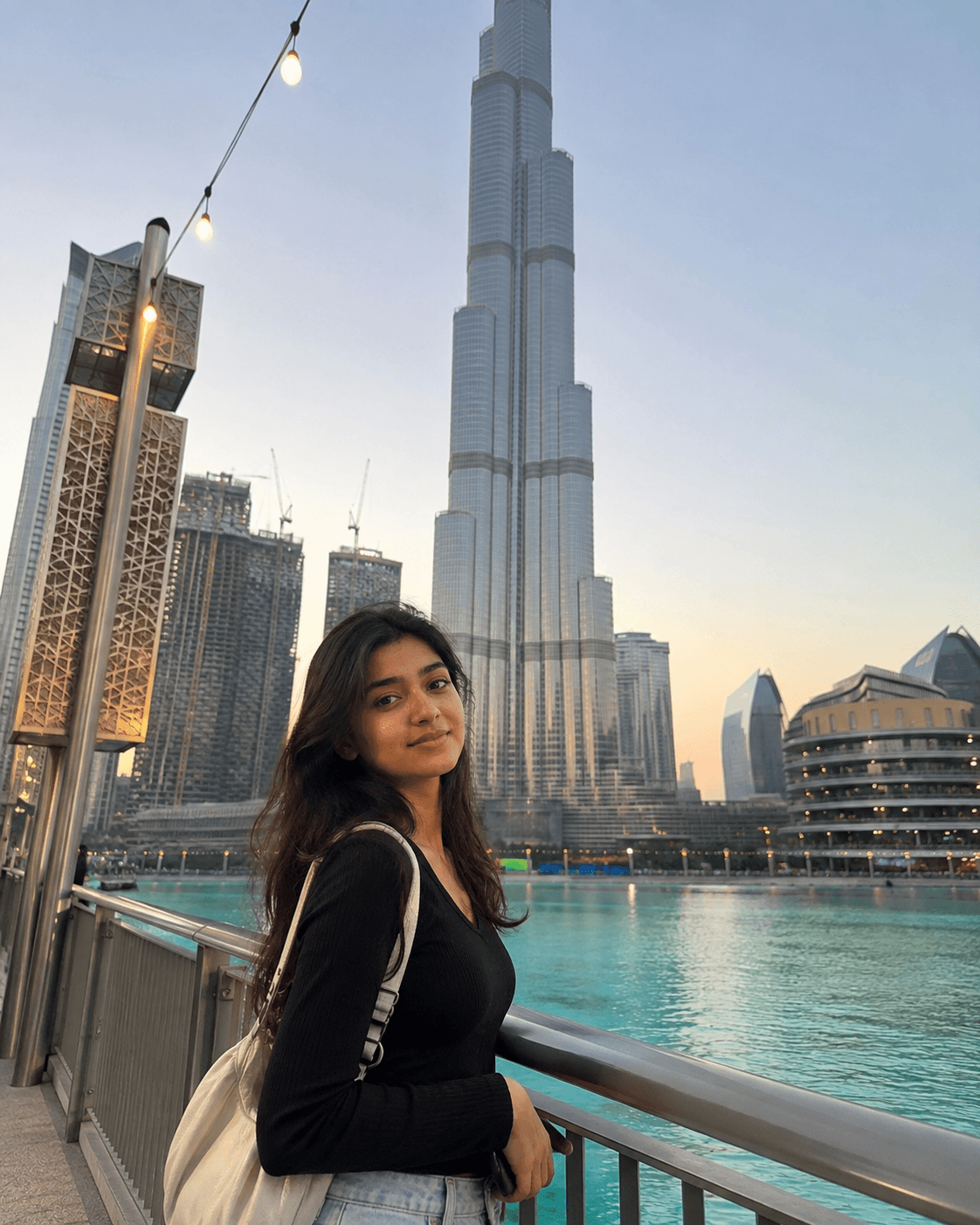
Dubai, UAE
My trip to Dubai was an exciting journey filled with breathtaking views, modern architecture, thrilling adventures, and…
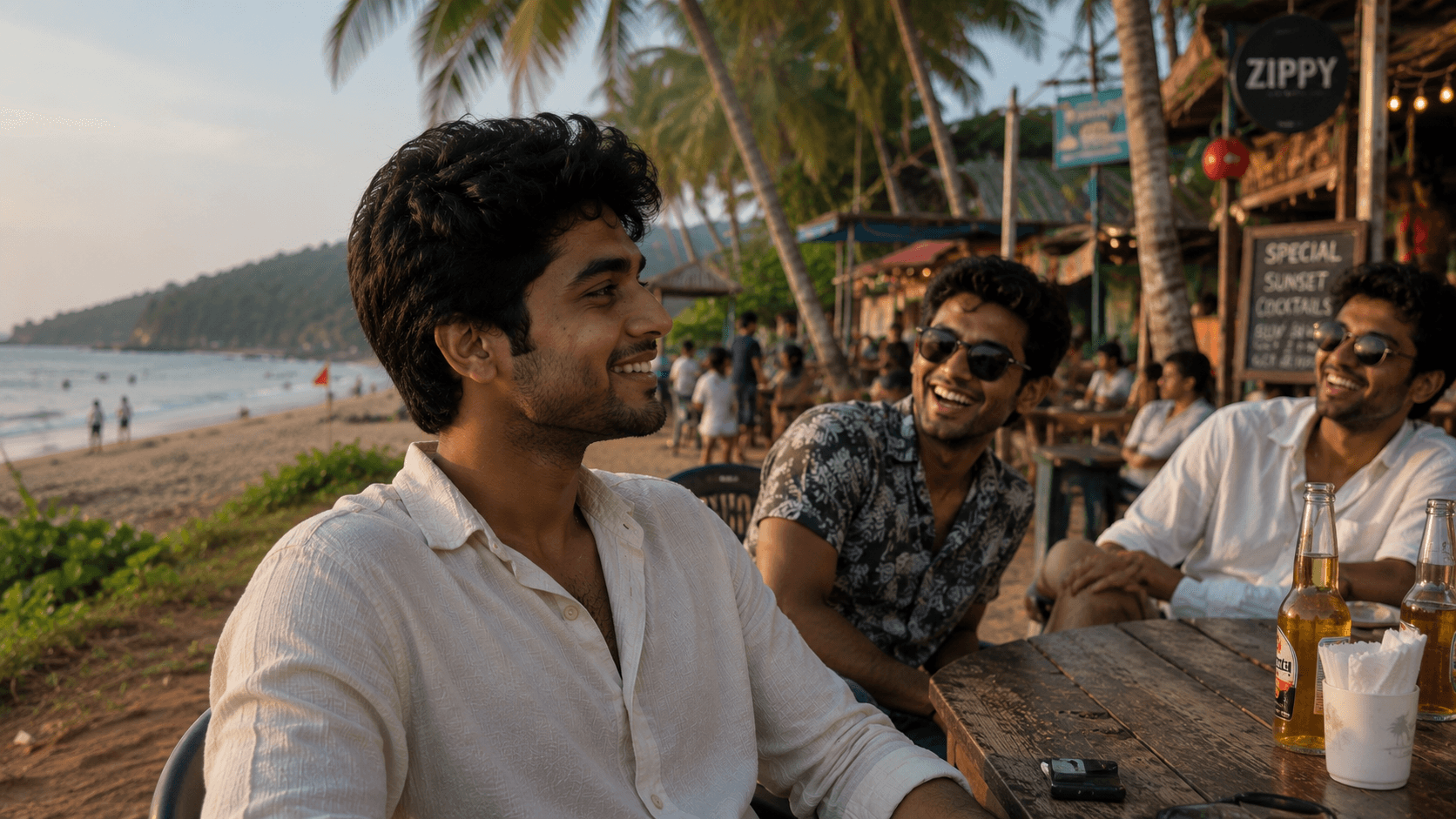
Goa
Goa is a place that brings together everything a traveller looks for — beautiful beaches, exciting adventures, vibrant…
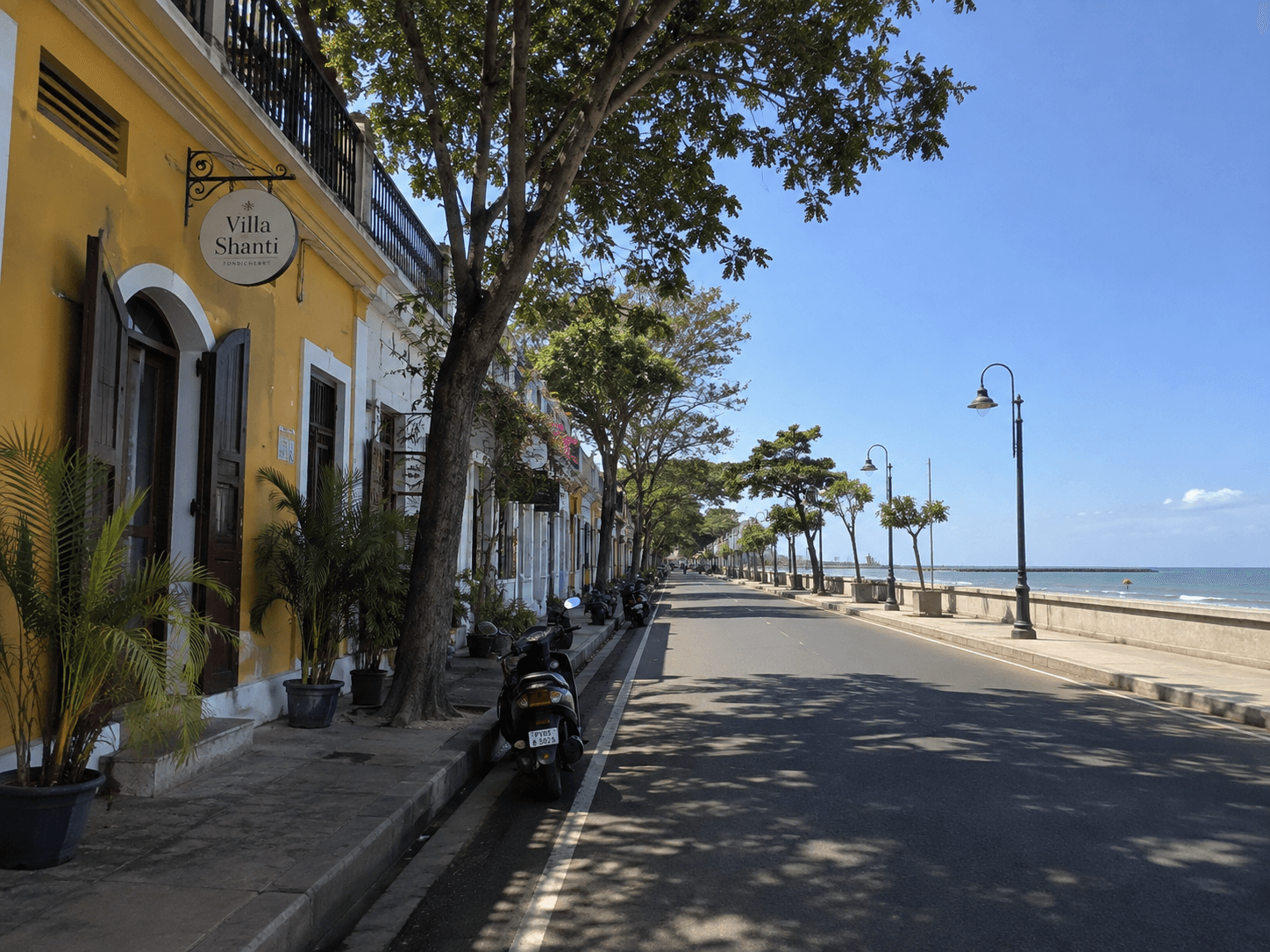
Pondicherry
Our trip to Pondicherry was a much-needed break from office meetings, deadlines, and everyday work. What started as a casual…
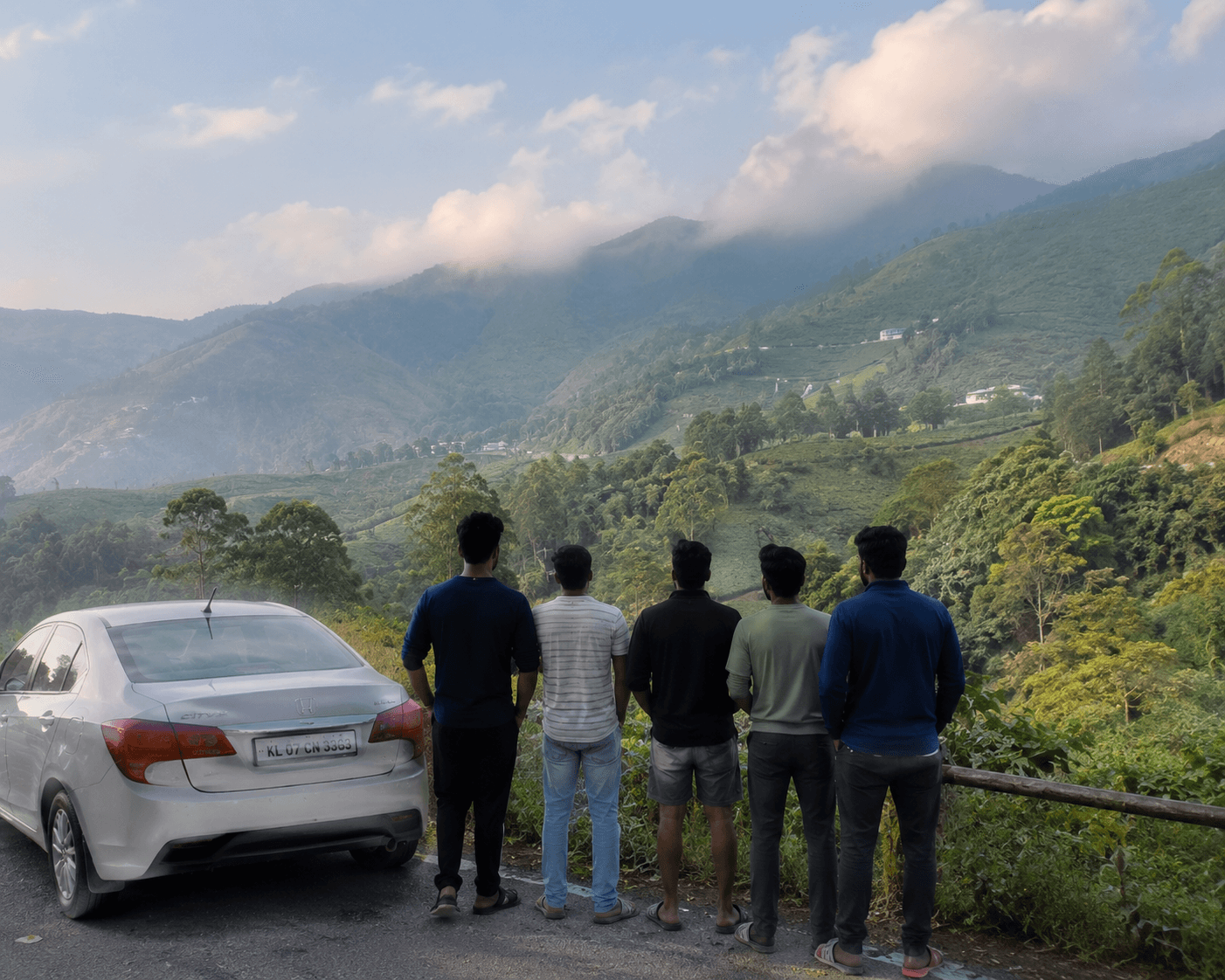
Munnar, Kerala
Our 3-day trip to Munnar was supposed to be all about misty mountains, tea gardens, waterfalls, and peaceful views. But with…
Browse a few public pages and see how others use theirs.
 @sofialovesrohan6 journeys · Kathmandu, Nepal
 @ishaiyer4 journeys · Darjeeling, West Bengal
 @priyanvi9 journeys · Mussoorie, Uttrakhand
 @rahul6 journeys · Sikkim
 @anikatandon15 journeys · Mahabaleshwar, Maharashtra
 @neilmukherjee3 journeys · Leh, Ladakh
 @vivaanrao3 journeys · Rishikesh, Uttarakhand
 @riyagupta3 journeys · Andaman Islands
Yes. Usernames, journey logs and posts are all free.
Yes. Draft and private stay with you. Unlisted shows on your profile only. Public also appears in Discover and search.
A log sits on your profile timeline. Notes are optional. A post is a full story with its own page and can show up in Discover.
Yes, from your dashboard. Your link updates too, so pick something you like now.
Claim your journey username
Your profile, timeline and stories on one link you can drop in a bio. Free once you confirm your email.
Your travel log gets its own link. Pick a name.